Both editions are coming soon: SuperNova for Business and SuperNova Influencer Edition.

Coming soon Every video from idea to posted, on one board

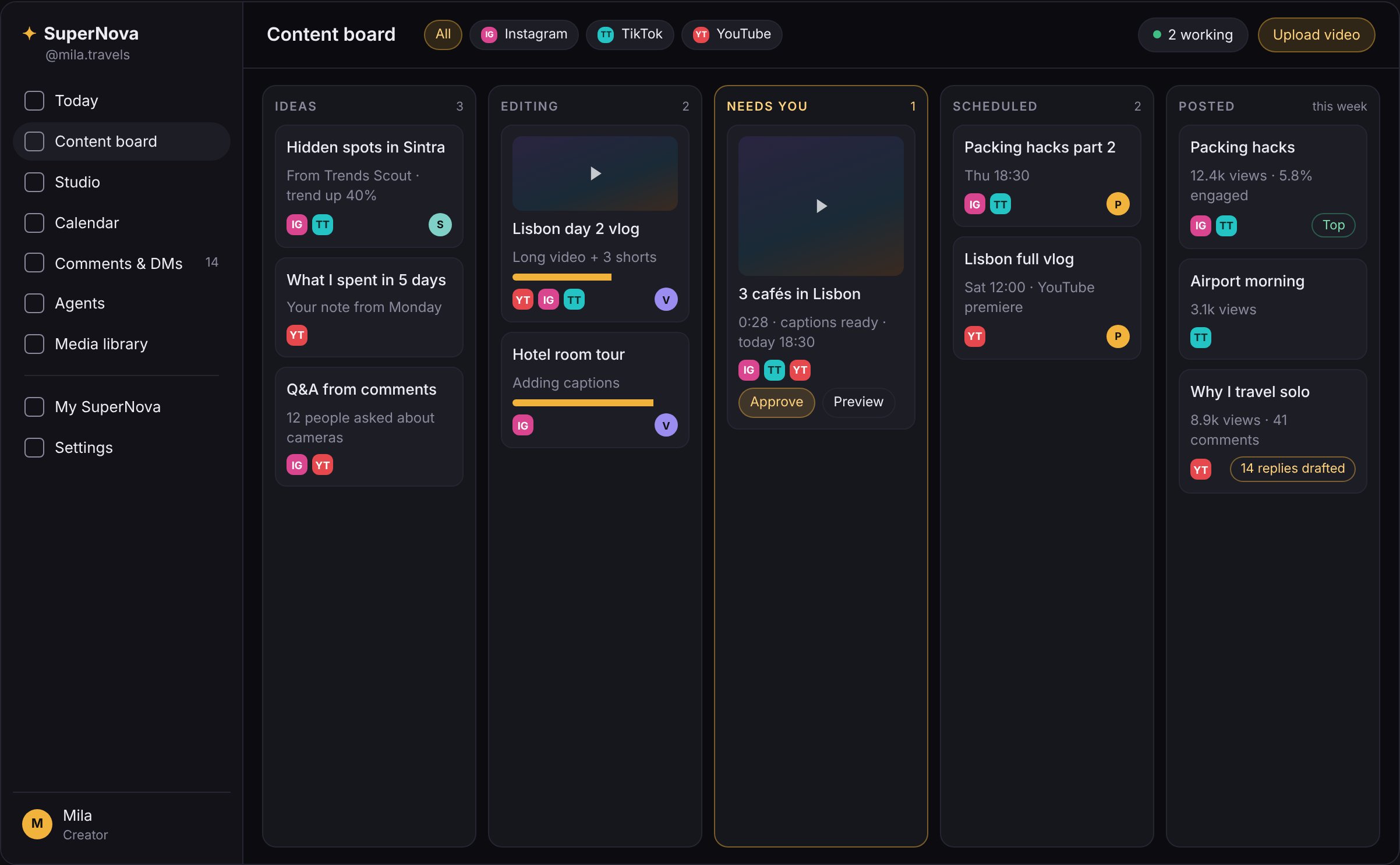
The content board shows where each video is: ideas from you and the Trends Scout, videos being edited, what needs your OK, what's scheduled and what's posted with its views. One video can go to several platforms, and you see them all together or one platform at a time.

Design preview · SuperNova Influencer Edition
What it does
  • Ideas · Editing · Needs you · Scheduled · Posted
  • Approve or preview right on the card
  • Posted videos with views, engagement and drafted replies to comments
  • Calendar view for the week and month
  • Nothing is posted until you approve, unless you allow it per platform
How to use it

Open Content board

Filter by platform or see all.

Approve what needs you

Press Approve or Preview on the card in Needs you.

Turn ideas into videos

Move an idea to Editing or ask the team to make it.

← PreviousConnect your accountsNext →Influencer Edition